A good desk lamp lights your paperwork and keyboard without glare on your screen. Many lamps look nice in photos but give poor light for real work. This guide explains brightness, color temperature, color accuracy and the adjustments that make a lamp useful all day.
Brightness
Brightness is measured in lumens. For a task lamp, a range of roughly 400 to 800 lumens works well for reading and paperwork in a room that already has ambient light. A dimmer lets you lower the output in the evening or when you work mostly on a screen. If a listing quotes watts, remember that watts show power use, not brightness, so look for lumens.
Color temperature
Color temperature is measured in kelvins. A lower number, around 2700 to 3000K, gives a warm, yellowish light that feels relaxed. Around 4000K is neutral white, and 5000K or more is cool and bluish, which looks crisp but can feel harsh in the evening. A lamp with adjustable color temperature lets you pick warm light at night and neutral light during the day.
Color accuracy
The color rendering index, or CRI, tells you how faithfully a light shows colors. A CRI of 80 or more is good for general work, and 90 or more is helpful if you work with print, photos or fabrics.
Flicker and glare
Some cheap LED lamps flicker in a way you may not notice but that some people find tiring. Look for lamps that mention flicker-free operation. To limit glare, choose a lamp with a shade or diffuser, and position it so the bulb is not reflected in your screen.
Adjustability
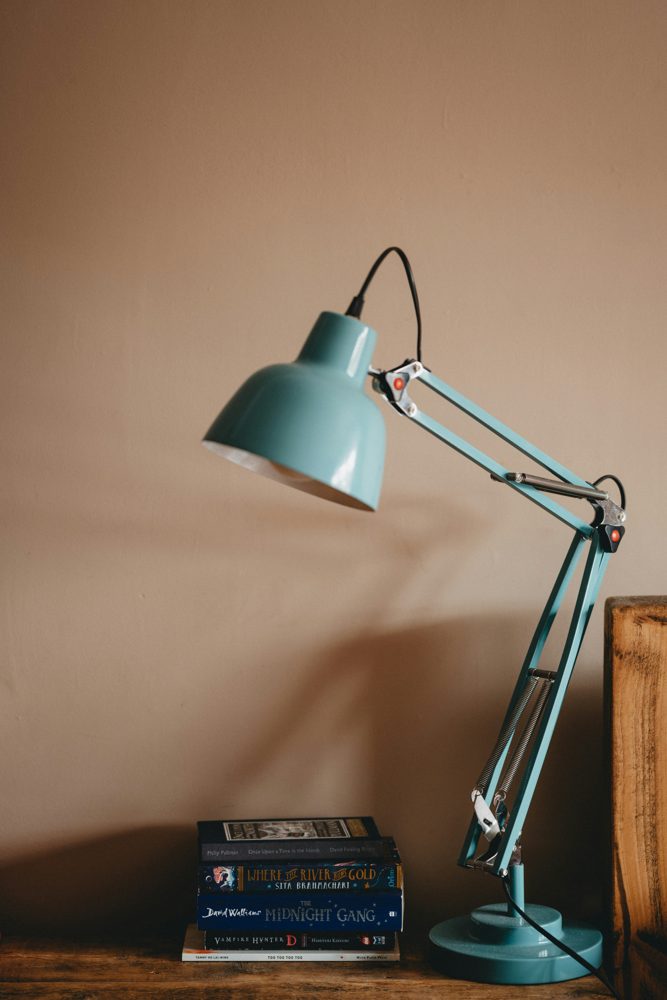
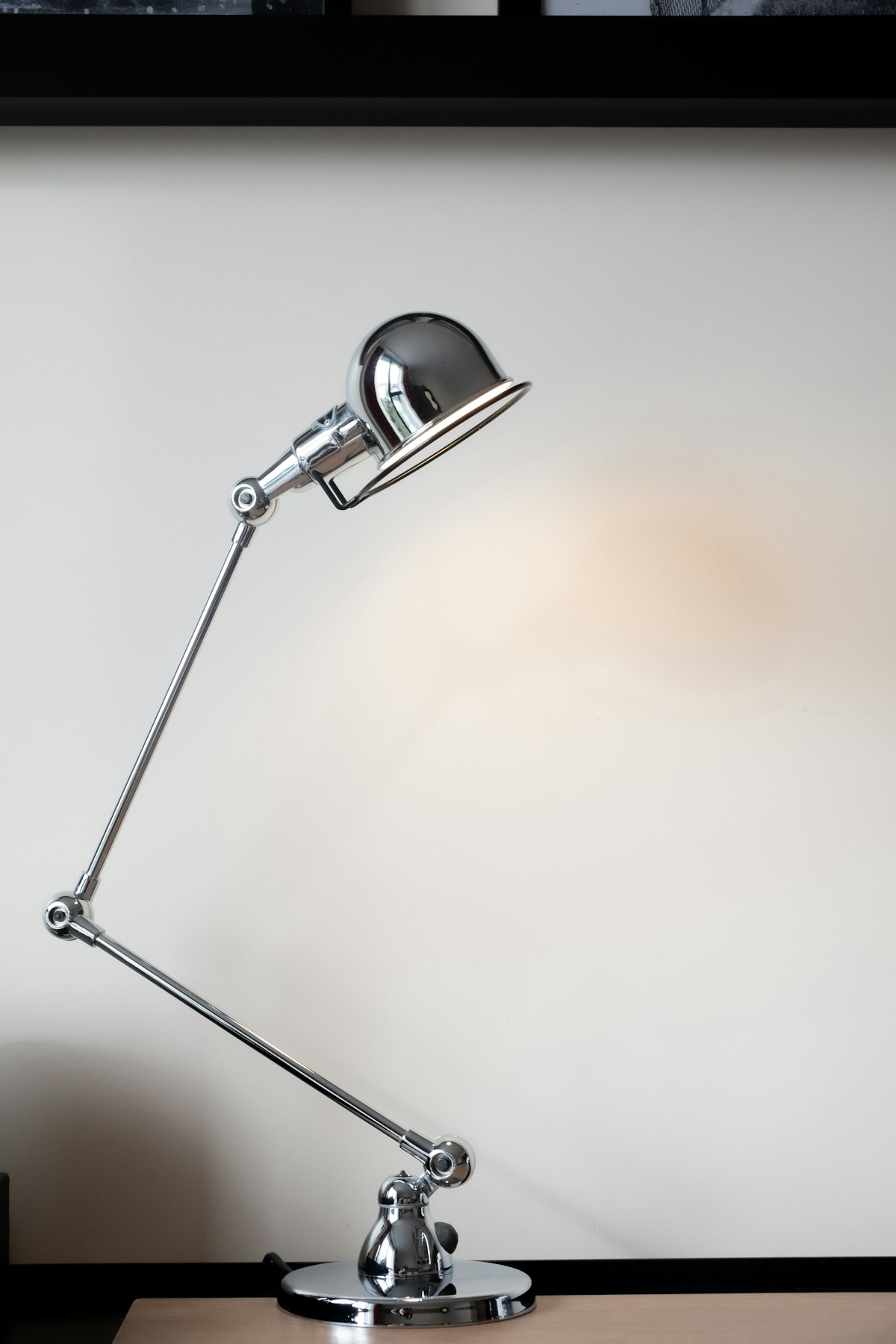
- Swing-arm lamps reach over a laptop or notebook and fold away.
- Clamp lamps attach to the desk edge and save surface space, but check the desk thickness the clamp supports.
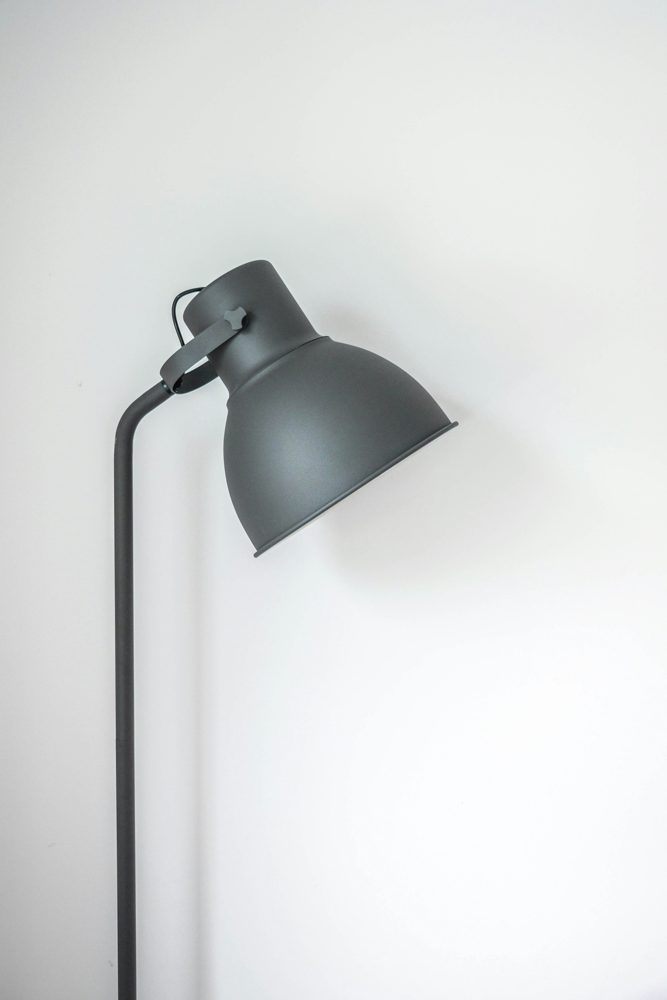
- Base lamps are simple and stable, though they take up room.
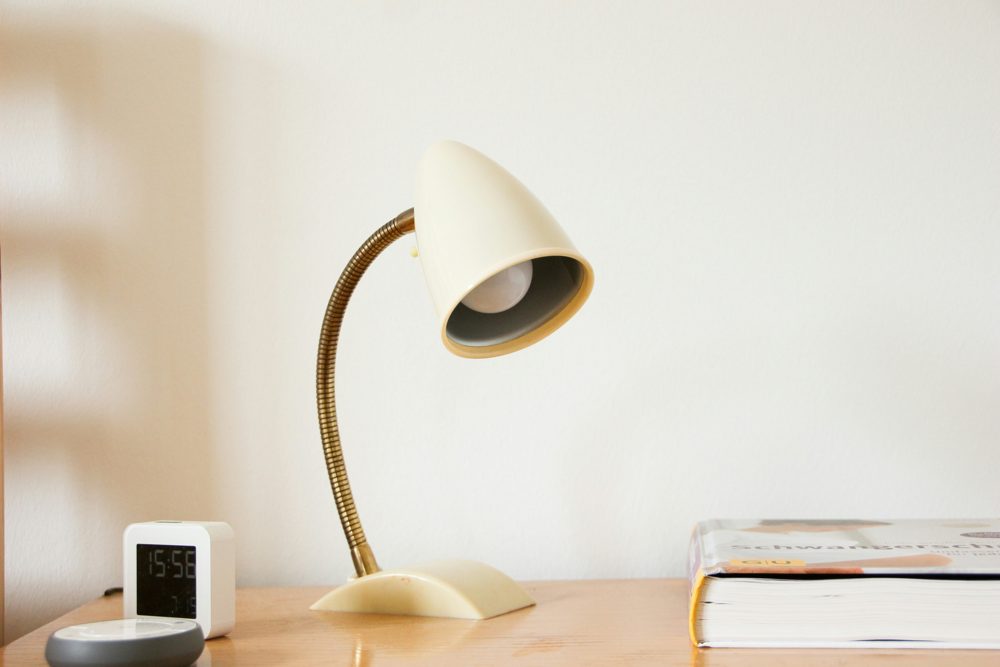
- Gooseneck lamps bend into many positions and stay where you put them.
Check the reach in inches and the height range, so the light can fall where you write.
Where to place it
Put the lamp on the side opposite your writing hand so your hand does not cast a shadow. Place it slightly in front of the work surface rather than directly overhead. If you use a monitor, keep the light off the screen.
Extras worth having
A USB charging port, a memory function that recalls your last setting and a timer or auto-off are handy. A touch control is convenient, though a physical dial is easier to use in the dark.
Safety and care
Check for a recognized safety listing on the product page and use the lamp with its original power adapter. Dust the shade and the LED surface occasionally, and keep cords away from the edge of the desk.