A tangle of cables under the desk looks messy and makes cleaning, moving a chair or unplugging a device a chore. You do not need special tools to fix it, but a few inexpensive items make the result last. This guide walks through a simple plan from sorting to hiding.
Start by sorting
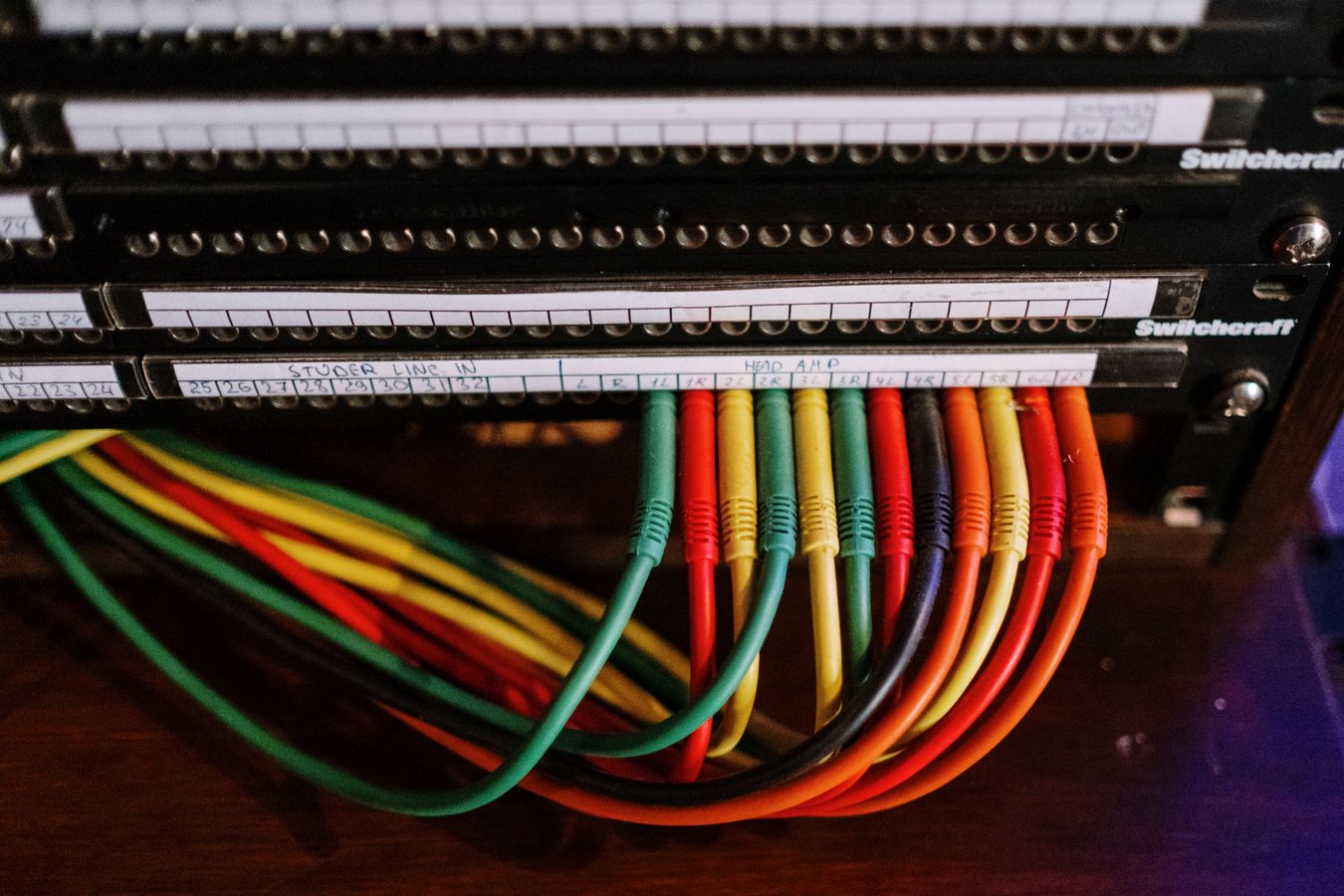
Unplug nothing yet. Trace each cable from the device to the outlet and note which are needed every day, such as the monitor and laptop, and which are rarely used. Remove cables you no longer need. Labeling both ends with tape or small tags saves time later.
Choose the right length
Cables that are too long create the biggest tangles. Where possible, swap an overlong cable for a shorter one, and use a cable that matches the distance between the device and the power source. Keep a little slack so you can move equipment.
Bundle and route
- Cable sleeves group several cables into one tidy line, and they work well from a monitor to the back of the desk.
- Reusable hook-and-loop ties are easier to adjust than plastic zip ties, which you have to cut.
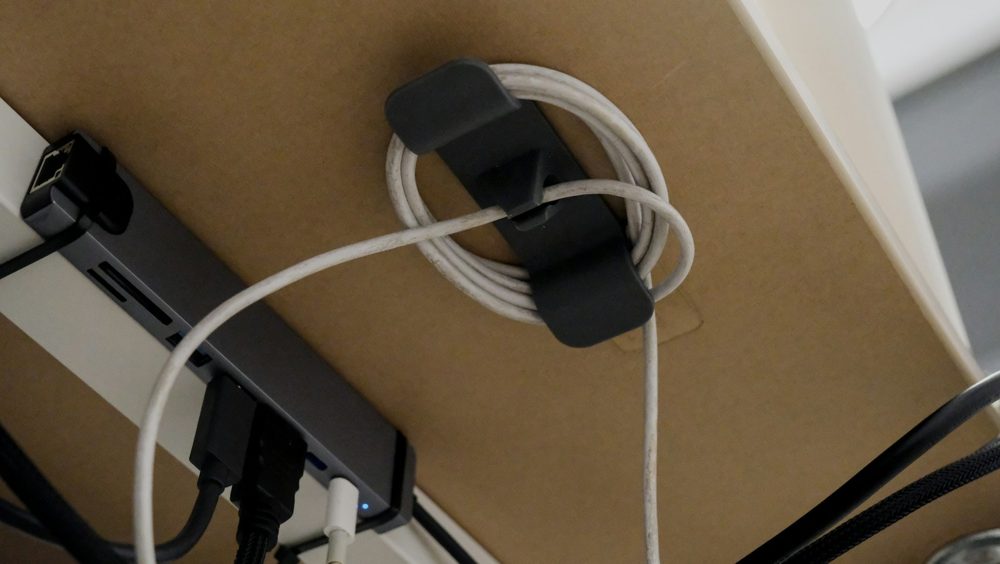
- Adhesive clips hold single cables along the desk edge or the back of a leg.
- An under-desk cable tray lifts cables and power strips off the floor.
Check that the adhesive is suitable for your desk surface, since some leave marks on wood.
Hide the power strip
A cable management box holds a power strip and the plug ends, so the center of the tangle disappears. Make sure the box has ventilation, and do not cover a power strip with fabric or put it in a space with no airflow. Leave a gap between the strip and flammable items.
Safety points
- Do not bundle power adapters tightly together, as they can get warm.
- Keep cables away from foot traffic and rolling chairs.
- Avoid placing cables under rugs, where damage may go unnoticed.
- Replace any cable with exposed wire or a frayed jacket.
Standing desks
If your desk moves up and down, leave enough slack in each cable for the full travel, and attach cables to the frame with loose ties, not tight ones. Test the full movement slowly before using the desk.
Wireless where it helps
A wireless keyboard, mouse and headphones remove several cables. Charging cables are still needed, so keep a short cable on the desk for top-ups.
A short routine
Once a month, check under the desk for dust, loose plugs and creeping cables, and tidy anything that has drifted. A few minutes of upkeep prevents another big untangling session.