A mouse is in your hand for much of the working day, so size and shape make a difference. Ergonomic mice change how your hand and forearm sit, and a wrist rest can add comfort during pauses. This guide compares the main types and what to check before you buy. If you have persistent pain, a qualified professional can advise you.
Standard mice
A standard mouse is flat and familiar. Choose one that fits your hand size, since a mouse that is too small makes you grip tightly, and one that is too large forces your fingers to stretch. Check the length and width in the listing, and compare it with one you already use.
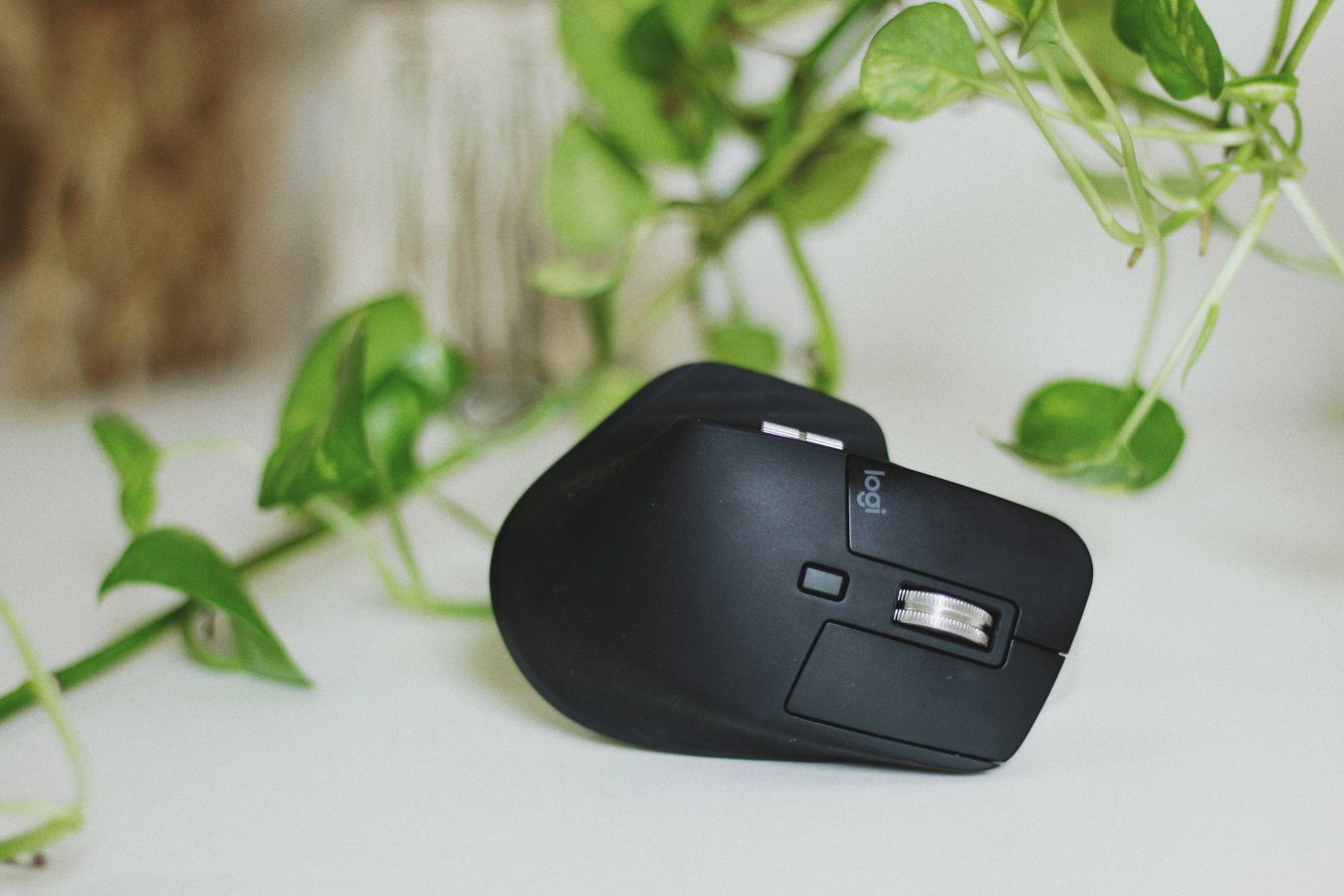
Vertical mice
A vertical mouse stands your hand in a handshake position, so the forearm is less twisted. Many people find them comfortable, though they take a few days to get used to. They are less suited to precise work at first. Look for a model made for left or right hands, and check the angle options.
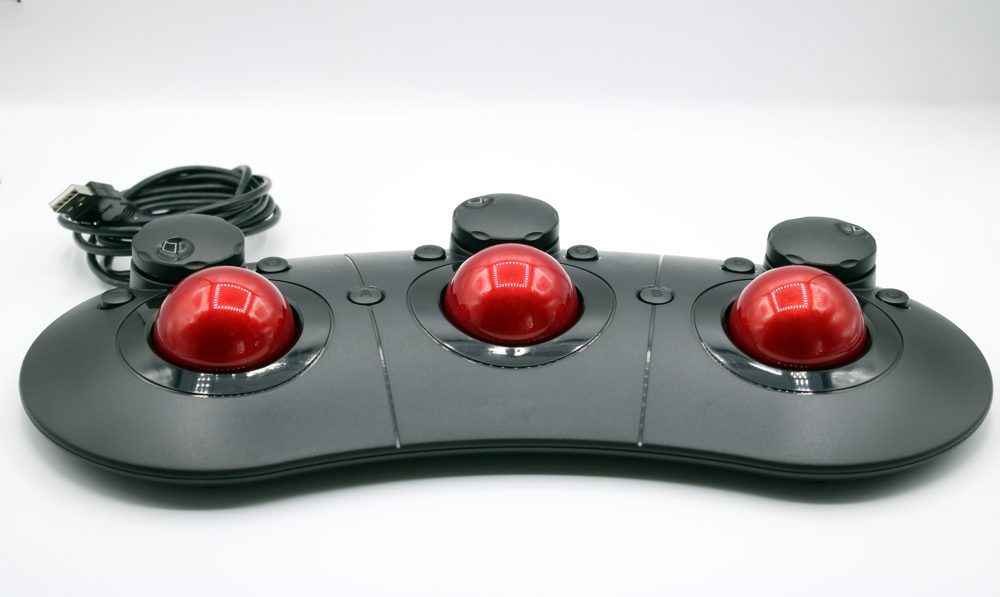
Trackball mice
A trackball stays still while your thumb or fingers move a ball. This reduces arm movement and needs little desk space, so it suits small desks. It takes practice to control, and the ball needs occasional cleaning.
Connection and battery
Wired mice need no batteries. Wireless mice use Bluetooth or a USB receiver and run on batteries or a rechargeable cell. Check the battery life, and whether the mouse supports quick charging. A wireless mouse can be convenient, but make sure the receiver stays plugged in.
Settings and buttons
DPI measures how far the cursor moves for each bit of hand movement. Many mice let you change it, so you can find a comfortable speed. Extra side buttons can be set to go back and forward in a browser. Make sure the buttons click smoothly.
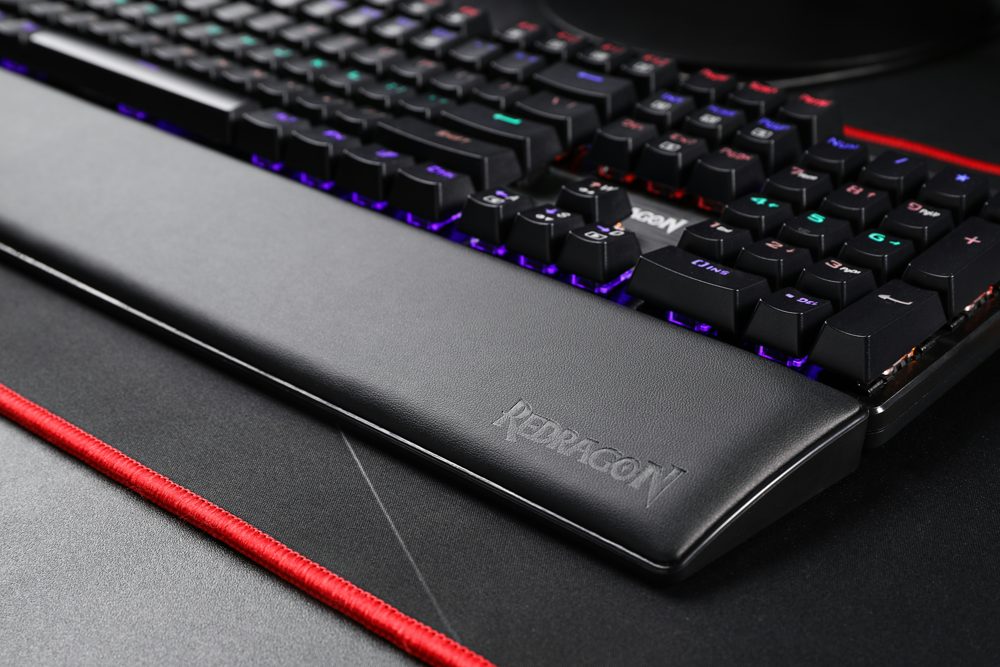
Using a wrist rest
A wrist rest is a cushion that sits in front of the keyboard or mouse. A simple way to use it is to rest the heel of your hand while you pause, and lift the wrist while you move. Resting on it while you type or move the mouse may add pressure. Choose a gel or memory foam rest with a smooth cover, and check the height.
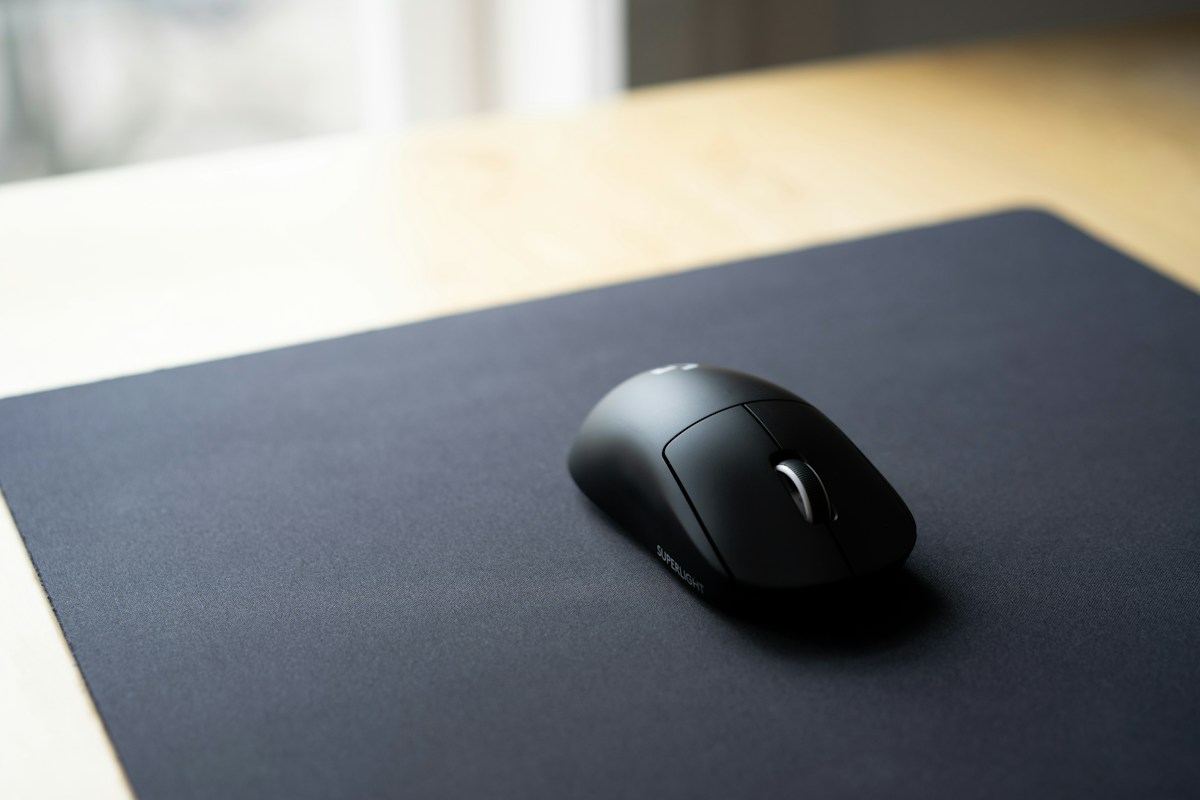
Mouse pads
A large, smooth mouse pad gives a stable surface and extends the area for sweeping movements. Choose one with a non-slip base.
When to change
Try a new mouse for at least a week. If you notice discomfort, take breaks, adjust your chair and desk height, and consider speaking to a professional.