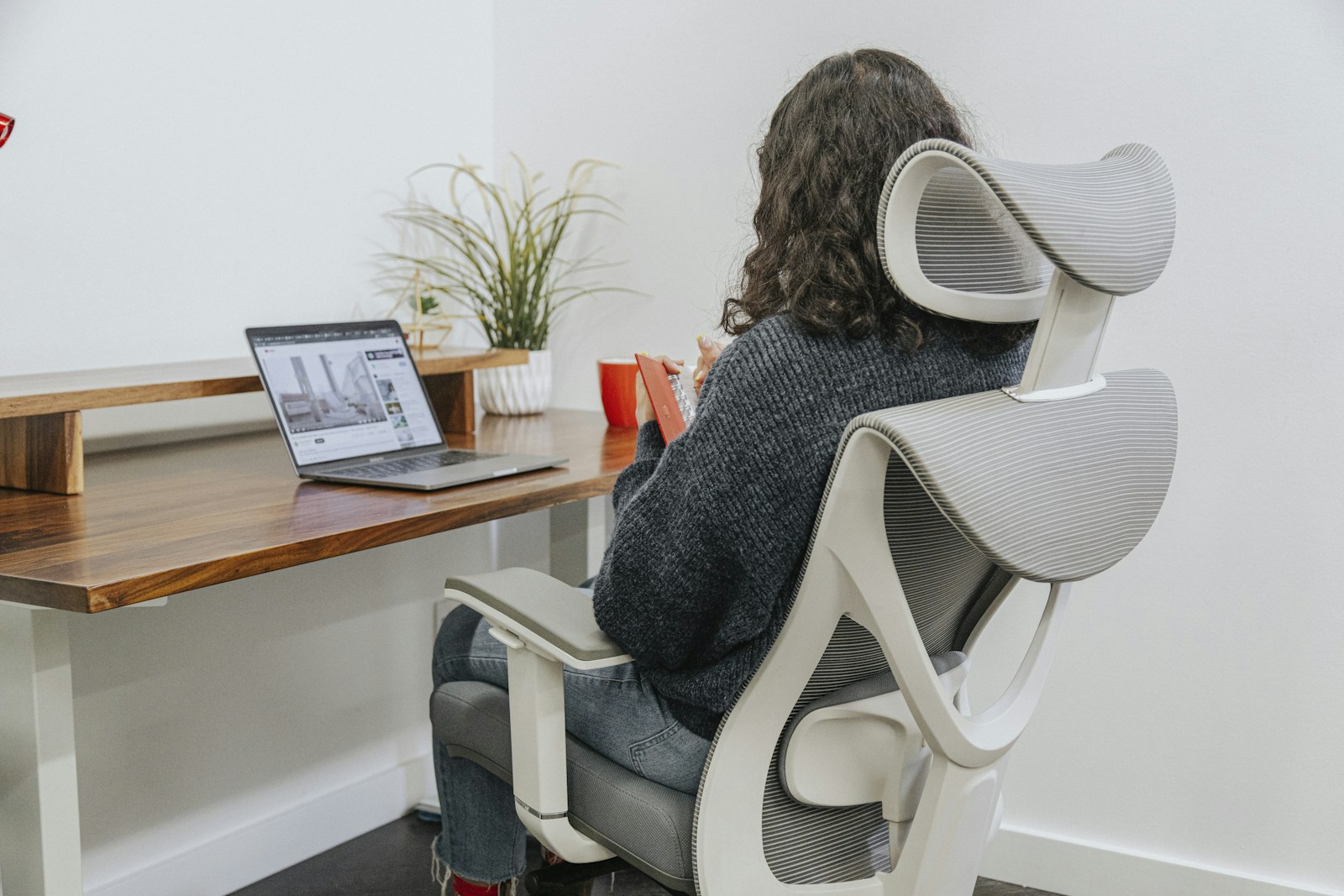
Sitting for hours is hard on the body, and the right chair and accessories can make the day more comfortable. A footrest, a chair with lumbar support or a different way of sitting each helps in different situations. This guide explains the options. It is general information, not medical advice, so speak to a qualified professional if you have pain.
Start with your chair setup
Before buying anything, adjust what you have. Your feet should rest flat on the floor, your knees should be at about a right angle and your back should be supported by the backrest. The seat height should let your forearms rest at desk height. Many discomforts come from small mismatches that adjustments can fix.
When a footrest helps
A footrest is useful if your feet do not reach the floor once the chair is set to the right height for your desk. It gives your feet a stable resting place. Look for a footrest with an adjustable height and a non-slip surface, and a size that lets you shift position. A rocking footrest allows small movements, which some people like.
Lumbar support
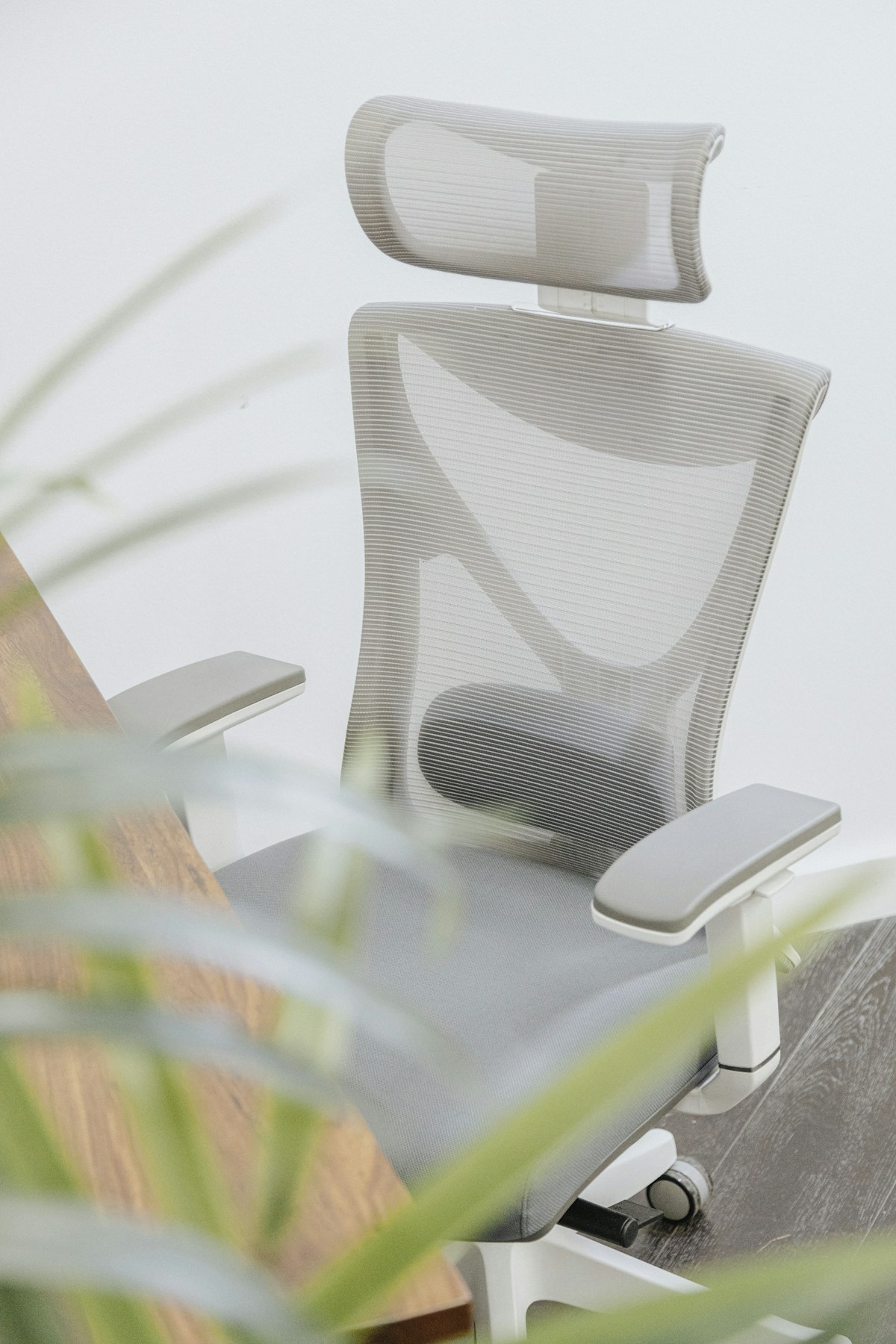
The lower back has a natural inward curve, and a chair with lumbar support follows that curve. Some chairs have adjustable lumbar support, which you can raise or lower. If your chair does not have it, a lumbar cushion can add support. Check that the cushion has straps so it stays in place, and that its shape fits your back.
Kneeling chairs
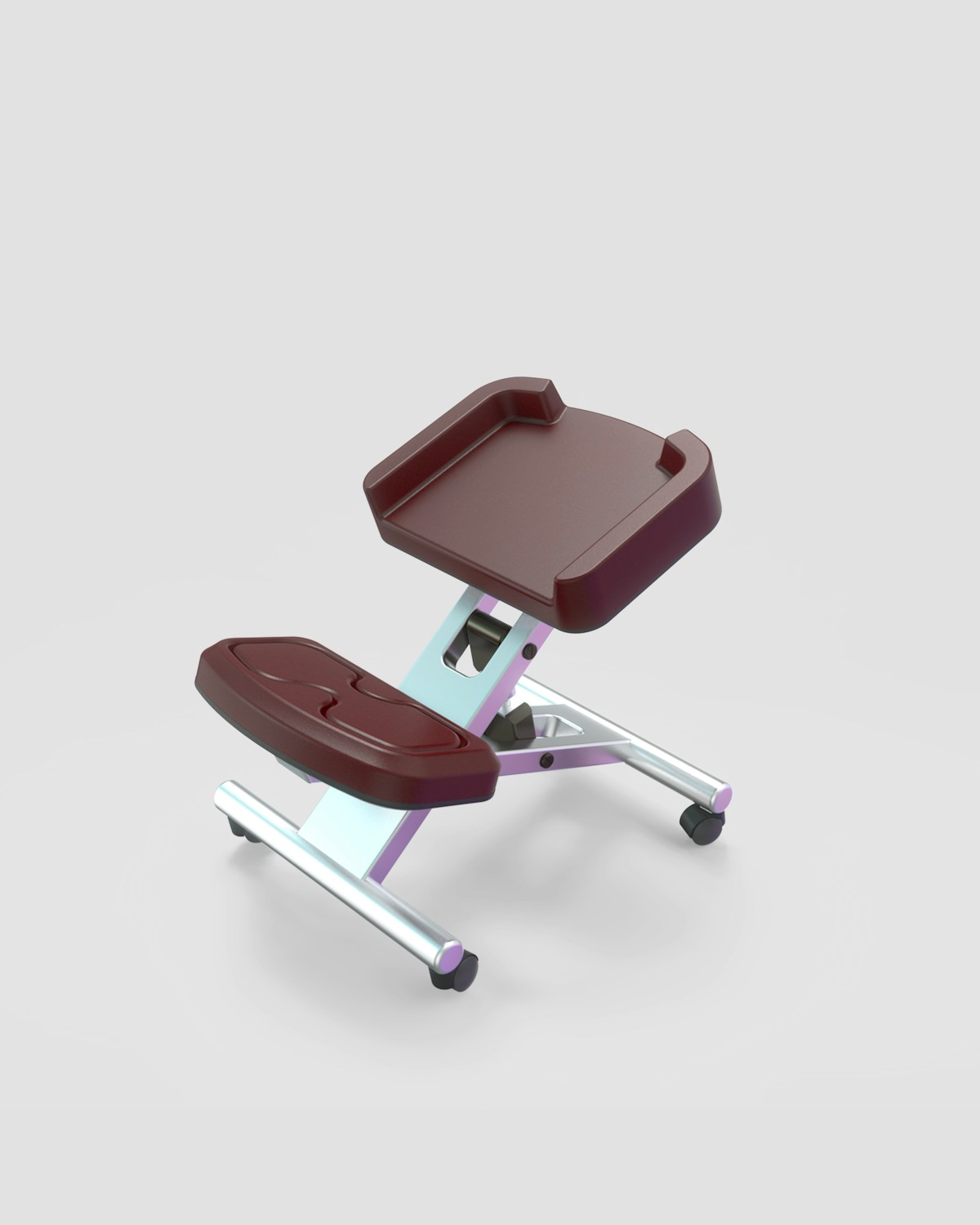
A kneeling chair tilts the seat forward and rests your shins on a pad. It changes your posture, and some people like the open hip angle. It is not suited to everyone, and sitting in one for hours may be tiring. Try one for short periods first, and keep a regular chair available.
Standing desk converters
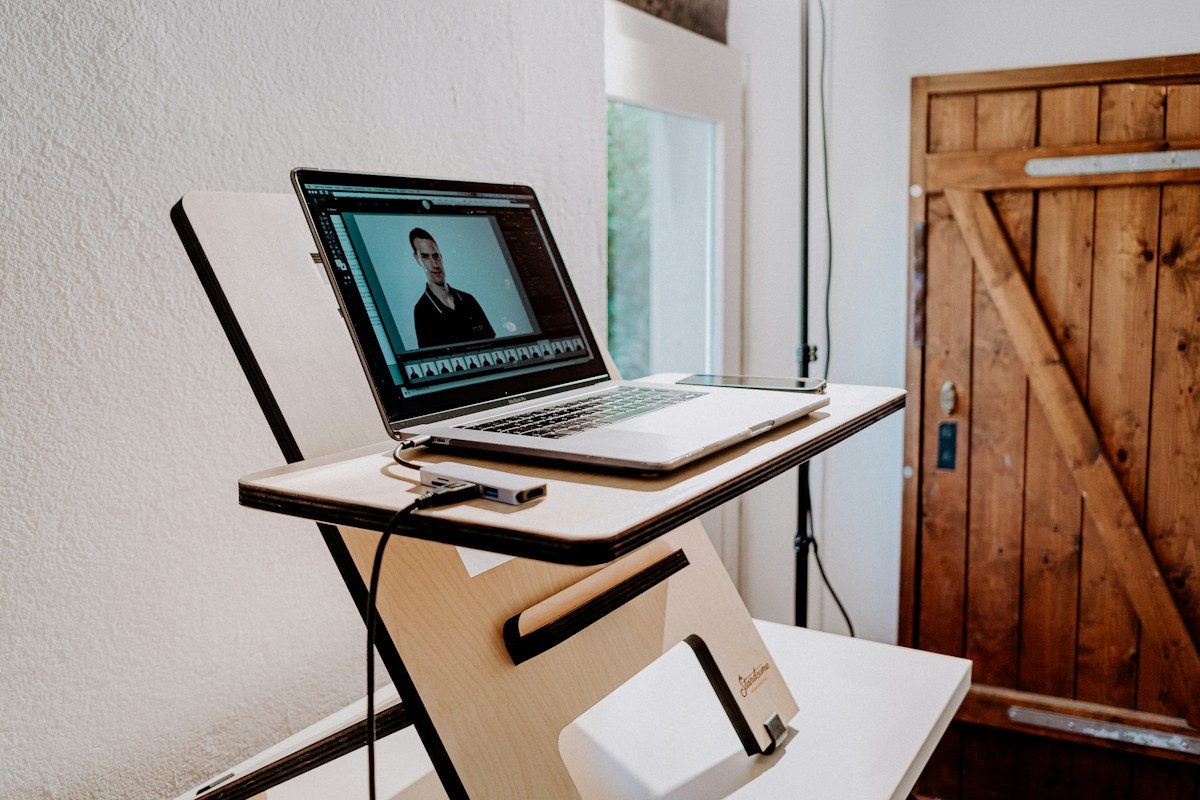
A converter sits on top of an existing desk and lets you raise the keyboard and screen. It allows you to alternate between sitting and standing. Check the height range, the weight capacity and the stability when raised, and make sure your monitor sits at eye level.
Change position often
No single position is best all day. Stand up, stretch and walk for a few minutes each hour, and change your posture regularly. A timer or a reminder helps.
Check the basics of a good chair
Look for adjustable seat height, a supportive backrest, armrests that you can adjust and a seat that is the right depth for your legs. Try a chair if you can, or check the return policy.