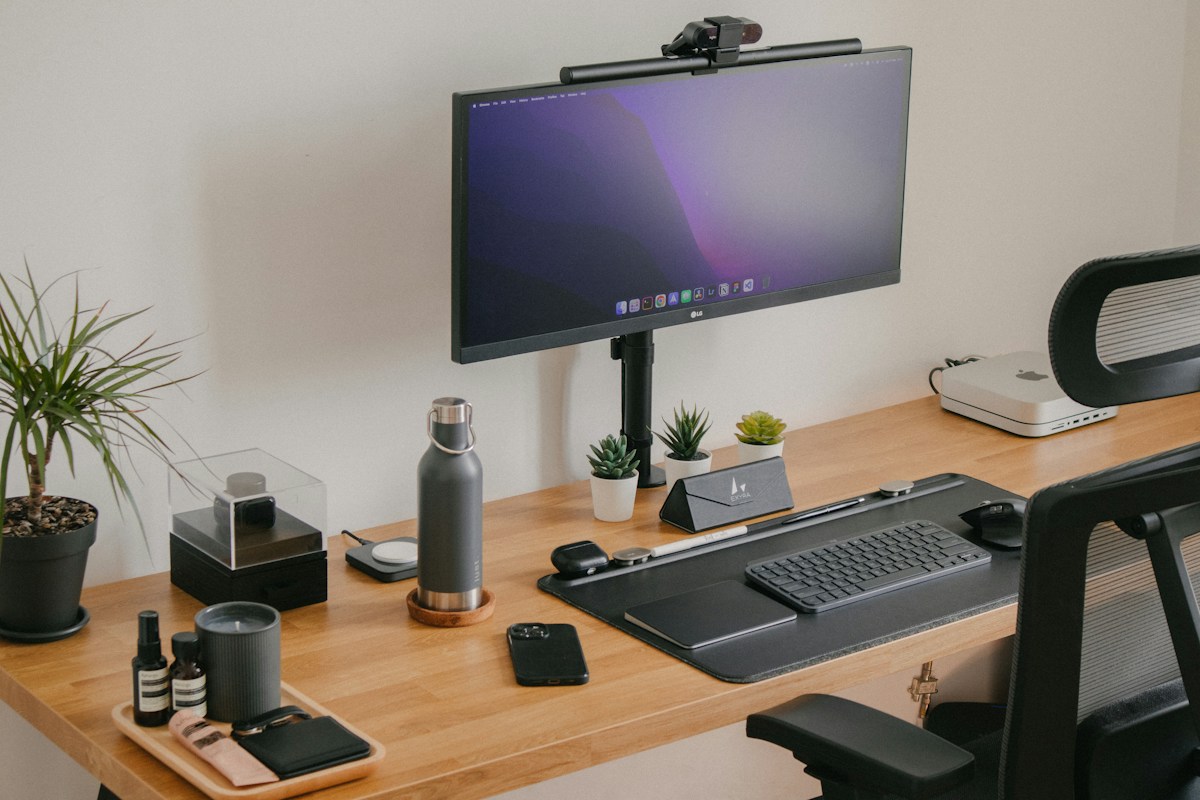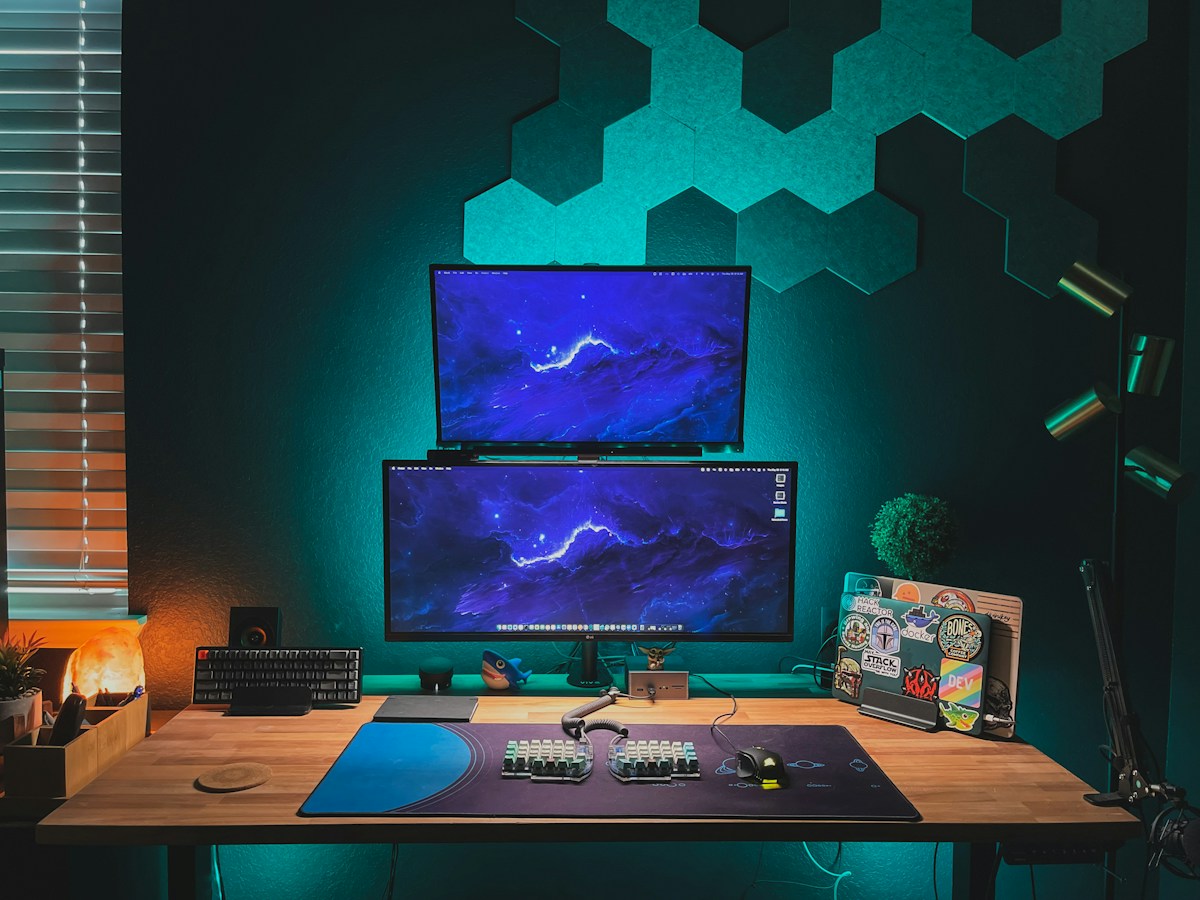
A monitor arm or stand lifts your screen to the right height, frees desk space and lets you move the display as needed. Before buying one, though, you need to check that it fits your monitor and your desk. Here is what to look at.
Stand, riser or arm
- Stands and risers sit on the desk and raise the screen. They are simple and need no installation, but they use desk space.
- Monitor arms attach to the desk or wall and let you adjust the height, tilt and distance. They clear the surface and are best for tidy setups and standing desks.
If you only need extra height, a riser is the easiest solution. If you want flexibility, choose an arm.
Check VESA compatibility
Most monitor arms attach to the back of the screen through VESA mounting holes. The common patterns are 75 by 75 mm and 100 by 100 mm. Check the back of your monitor, or the specifications, for a VESA label. If your monitor has no VESA holes, you may need an adapter plate, or a stand instead.
Check weight and size limits
Each arm lists a maximum weight and screen size, such as up to 27 or 32 inches. Check your monitor's weight without its stand. A heavier monitor needs a stronger arm. Make sure the arm can hold the screen without sagging.
Clamp or grommet
A clamp grips the back edge of the desk, and a grommet mount goes through a hole in the desk. Check the desk thickness the clamp supports, and make sure the desk edge is solid. Glass desks, thin desks and desks with a lip may not suit some clamps.
Movement
Gas-spring arms move smoothly and hold their position after a gentle push. Static arms have fixed settings and are less adjustable. Check the height range, the tilt and the swivel, and whether the monitor can rotate to portrait.
Single or dual
A dual arm holds two monitors side by side, and some hold more. Check the combined weight limit and the width of your desk. Make sure the arm can reach the angles you want.
Installation tips
Follow the instructions, use a level and tighten the clamp evenly. Test with the monitor attached before you connect cables. Route the cables along the arm with clips or a sleeve.
A note on laptops
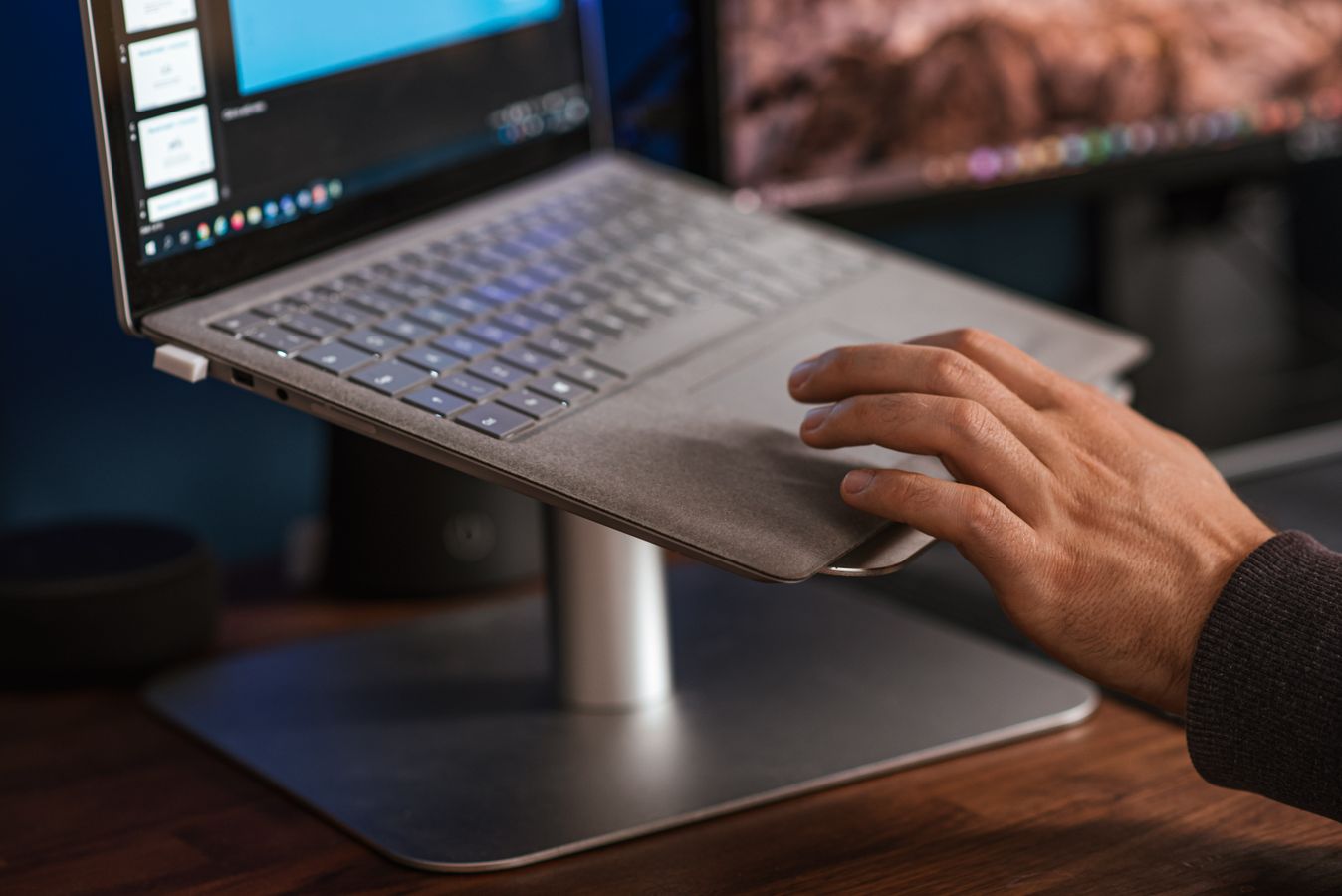
A laptop stand raises the screen to eye level, but you will need a separate keyboard and mouse for comfortable typing.