Long hours on a screen can leave your eyes feeling tired, dry or sore. Small changes to lighting, screen position and breaks often help. This is general information, not medical advice, so if symptoms are frequent or severe, see an eye care professional.
Set your screen at the right distance
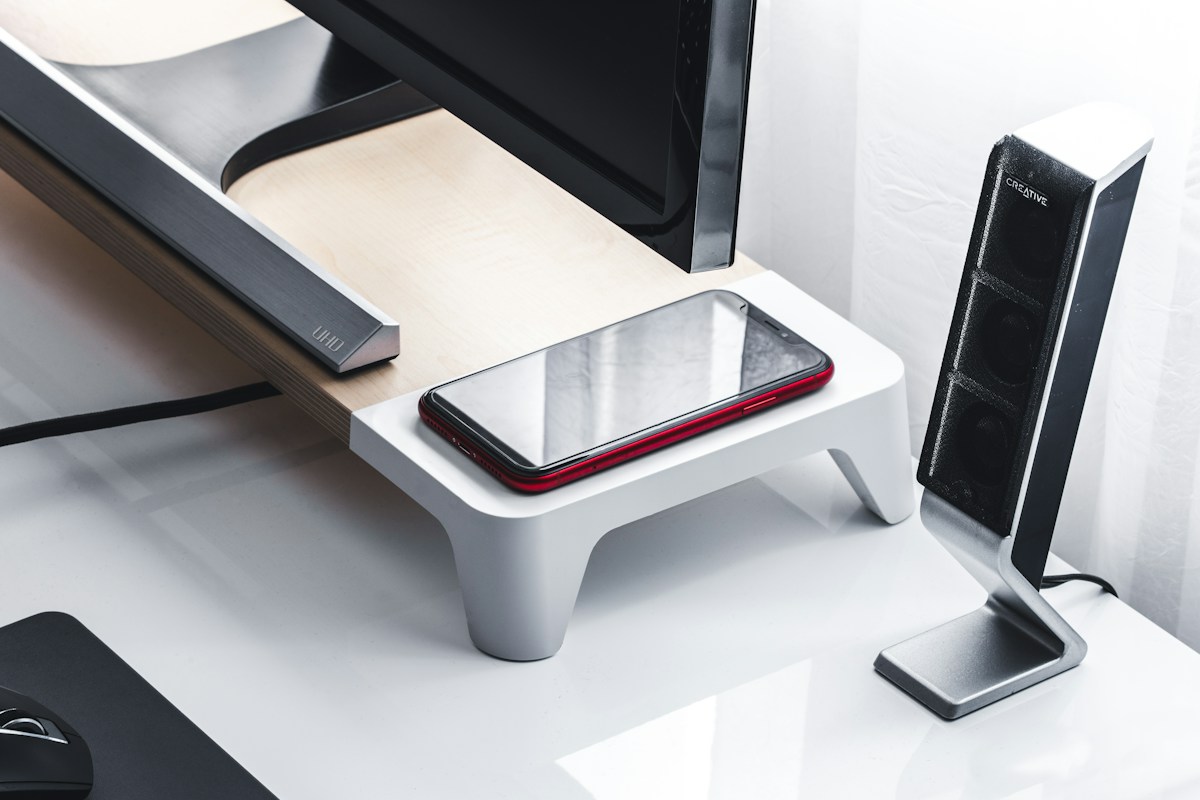
Place your monitor about an arm's length away, roughly 20 to 28 inches. The top of the screen should be at or slightly below eye level, so you look slightly down. A monitor stand or arm makes this easier. A laptop stand with a separate keyboard lifts the screen to a comfortable height.
Reduce glare
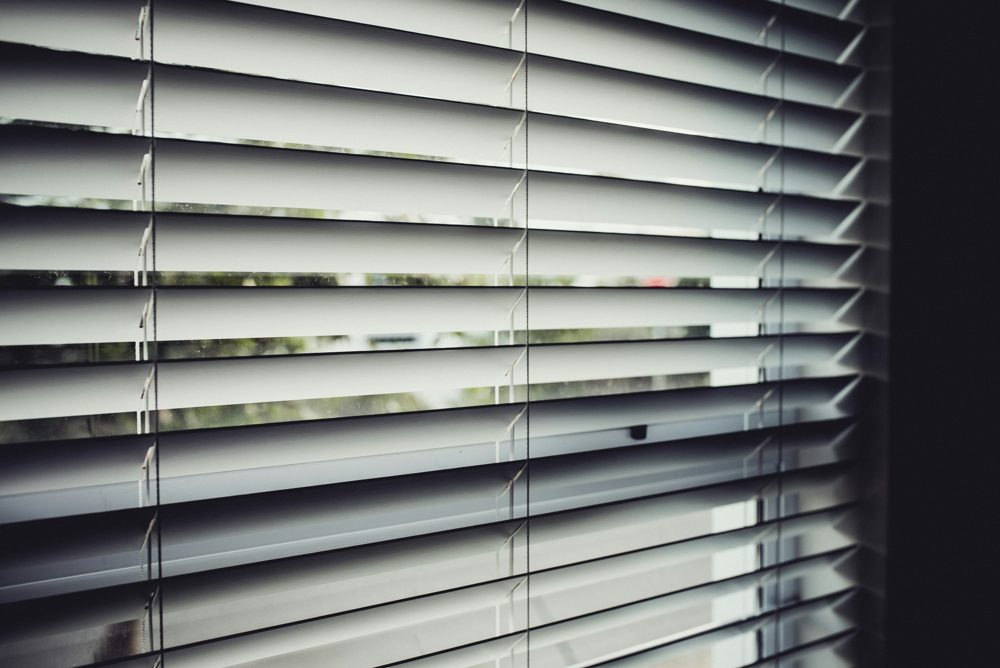
Glare from windows or lights makes your eyes work harder. Place the screen at a right angle to a window rather than facing or backing it. Use blinds or curtains to control daylight. Avoid bright lights behind you that reflect on the screen, and consider an anti-glare screen if your monitor is glossy.
Match brightness to the room
A screen that is much brighter than the room is tiring, and one that is too dim is hard to read. Adjust the brightness so the screen looks like a light source in a similar range to the room. Many devices have automatic brightness or a night mode that warms the colors in the evening.
Choose good desk lighting
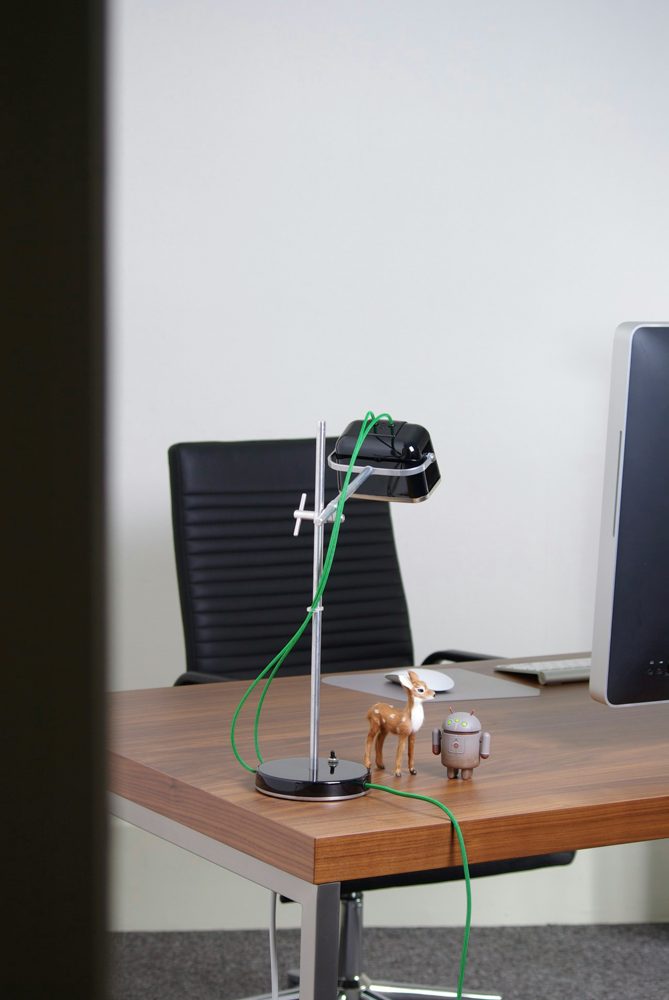
A desk lamp provides light for papers without shining on the screen. Warm, adjustable lighting is comfortable in the evening. Position the lamp to the side.
Take regular breaks
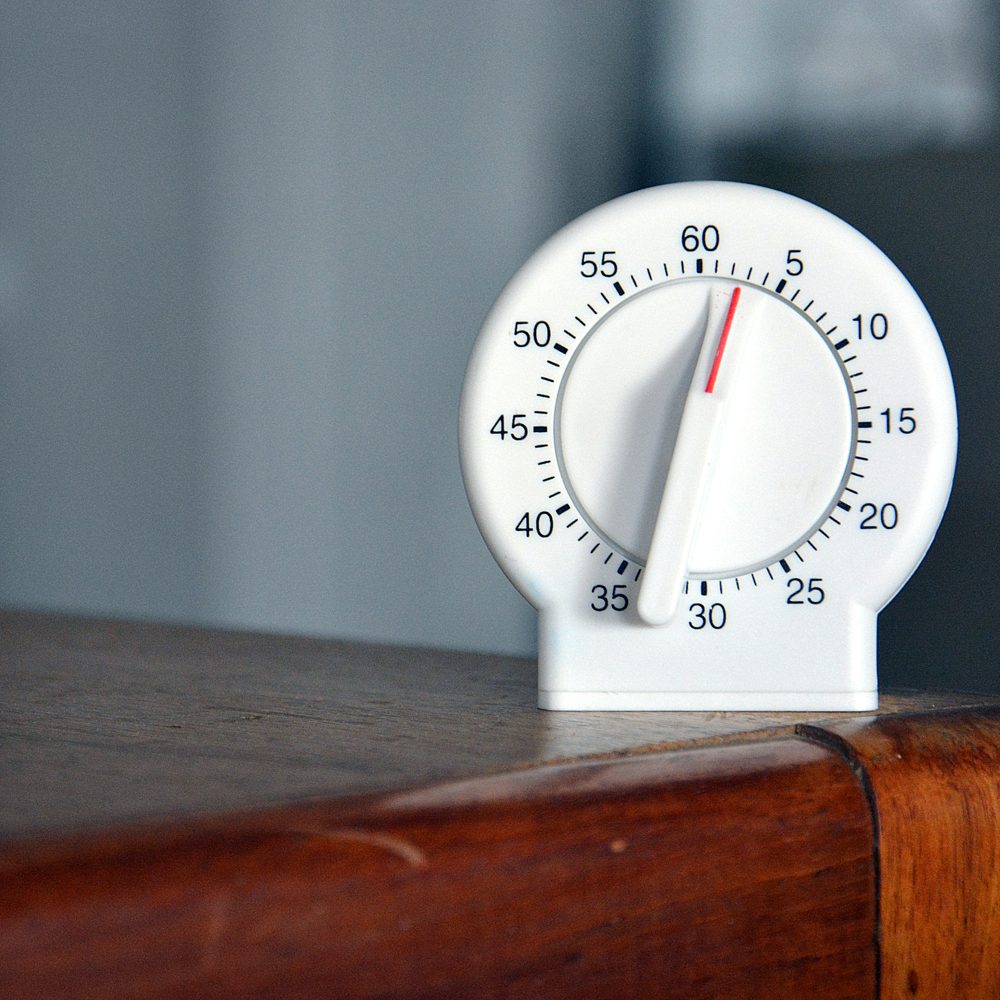
A well-known habit is the 20-20-20 rule. Every 20 minutes, look at something about 20 feet away for 20 seconds. A break timer or a visual reminder helps you remember. Stand up, stretch and look out of a window whenever you can.
Blink and stay hydrated
People blink less when looking at screens, which can dry the eyes. Make a conscious effort to blink fully, and keep a glass of water on your desk. If your eyes feel dry, a room humidifier or lubricating drops recommended by a professional may help.
Increase text size
If you are leaning forward to read, make the text larger instead. Zoom in the browser, or change the display scaling.
Blue light glasses
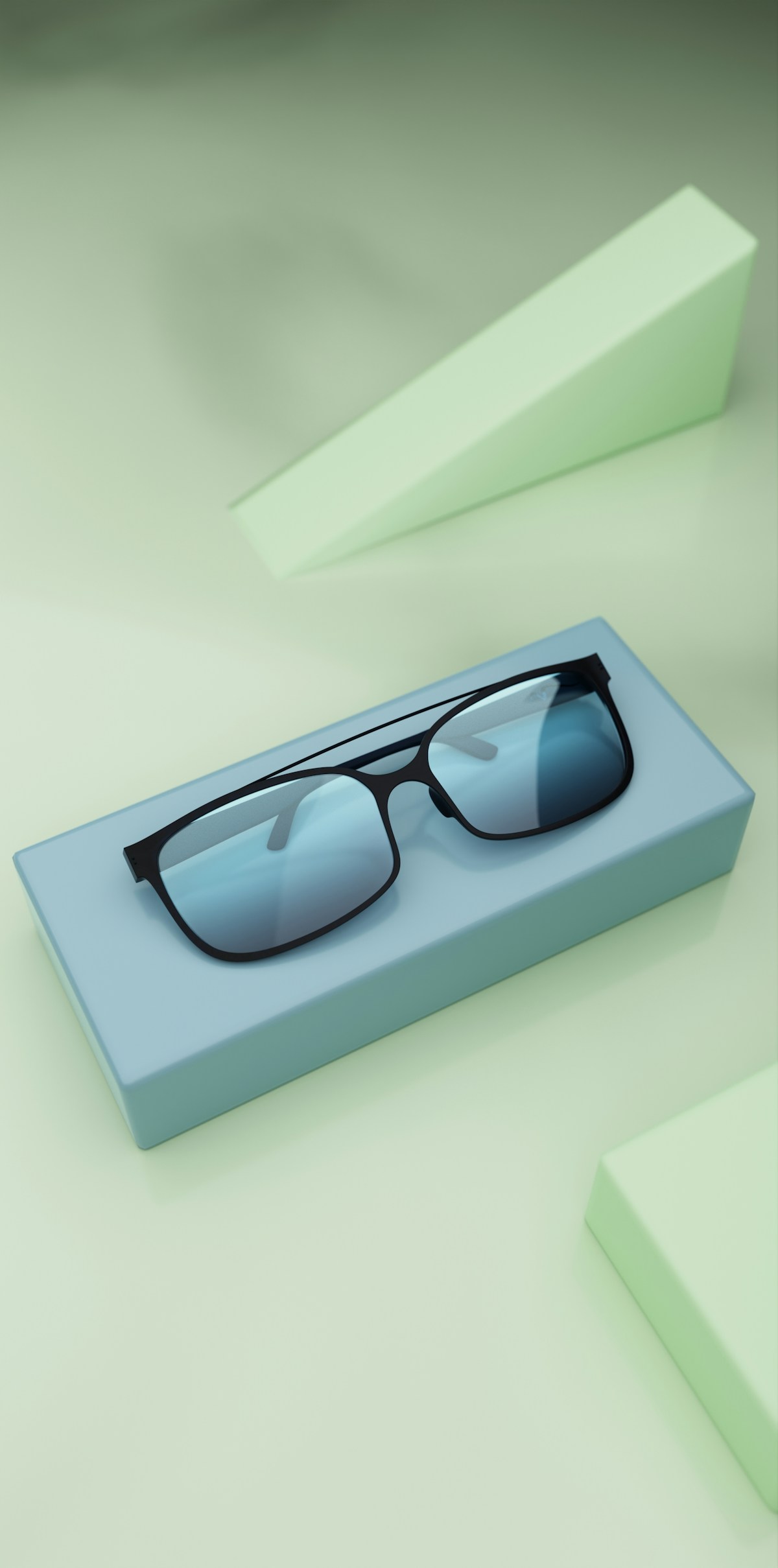
Some people find blue light glasses comfortable, but research has not firmly shown that they reduce eye strain. Treat them as optional, and focus on lighting, distance and breaks first.
Get your eyes checked
An outdated prescription is a common cause of tired eyes. Have regular eye exams and tell your optician how much time you spend on screens.