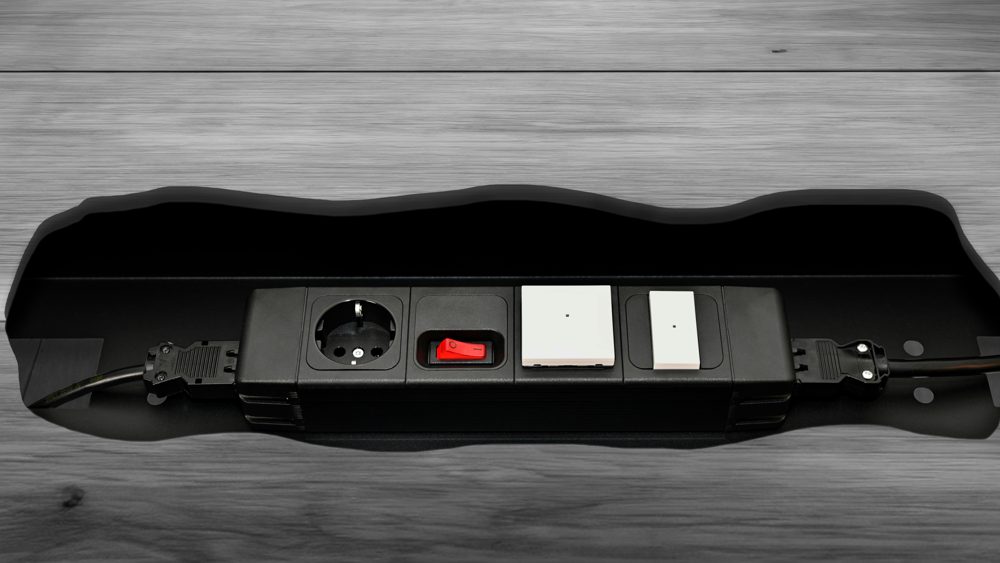
A home office often runs a computer, monitors, a printer and chargers from a single outlet. A power strip makes that possible, but a surge protector adds protection for your equipment. Here is how to read the labels and choose well.
Power strip or surge protector
A basic power strip only adds outlets. A surge protector also contains components that absorb short spikes in voltage. Check the packaging carefully, because some products look alike but only the latter says "surge protection".
Joules rating
The joule rating shows how much energy the protector can absorb before it fails. A higher number means more protection. For a computer setup, look for at least 1,000 to 2,000 joules, and more for expensive equipment. Protection wears down over time, so replace the unit after a major surge or after several years.
Safety certification
In the United States, look for a UL listing and, for surge protectors, UL 1449. This shows the product has been tested to a recognized standard. Avoid unmarked products.
Power limits
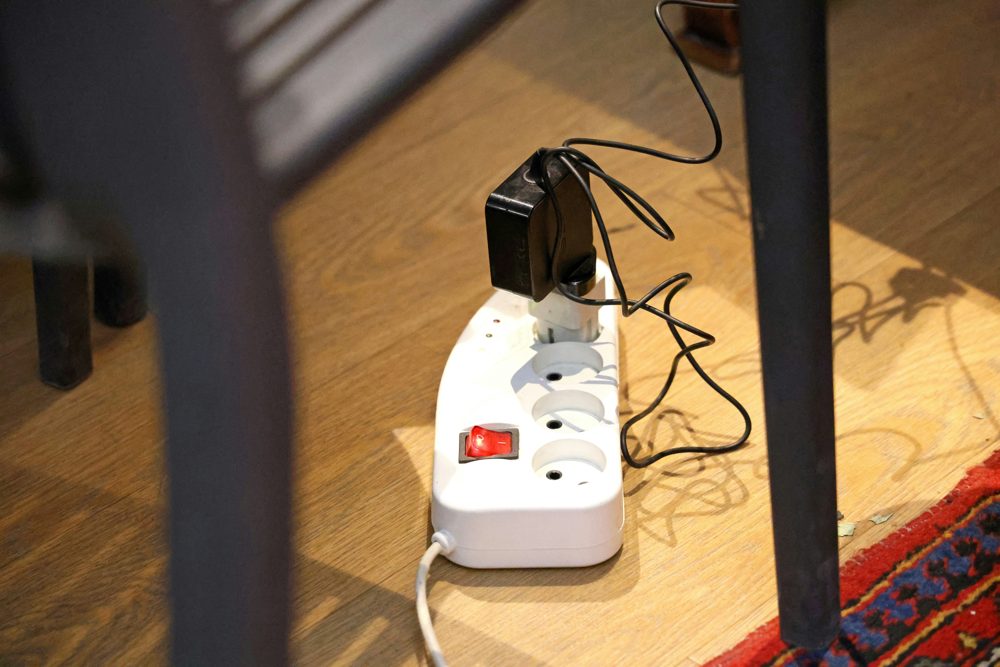
Most household circuits in the United States are rated for 15 amps, which is about 1,800 watts in total. Do not plug heater-type appliances, such as space heaters, into a surge protector. Never chain one strip into another.
Outlets and spacing
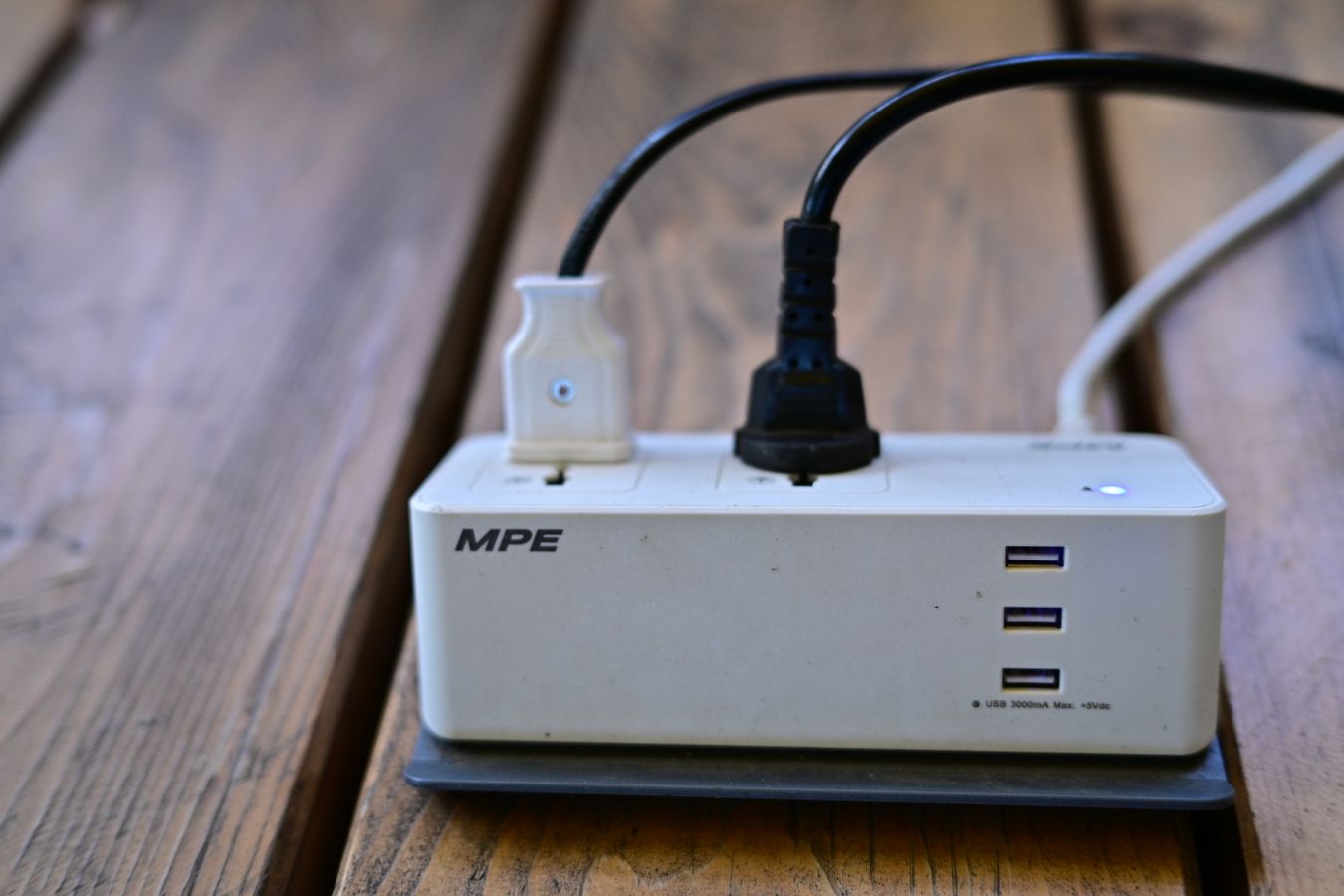
Count the outlets you need and add a few spare. Widely spaced outlets fit bulky adapters. Some models include USB ports for charging phones. Check the cord length so it reaches the wall without stretching.
Extra features
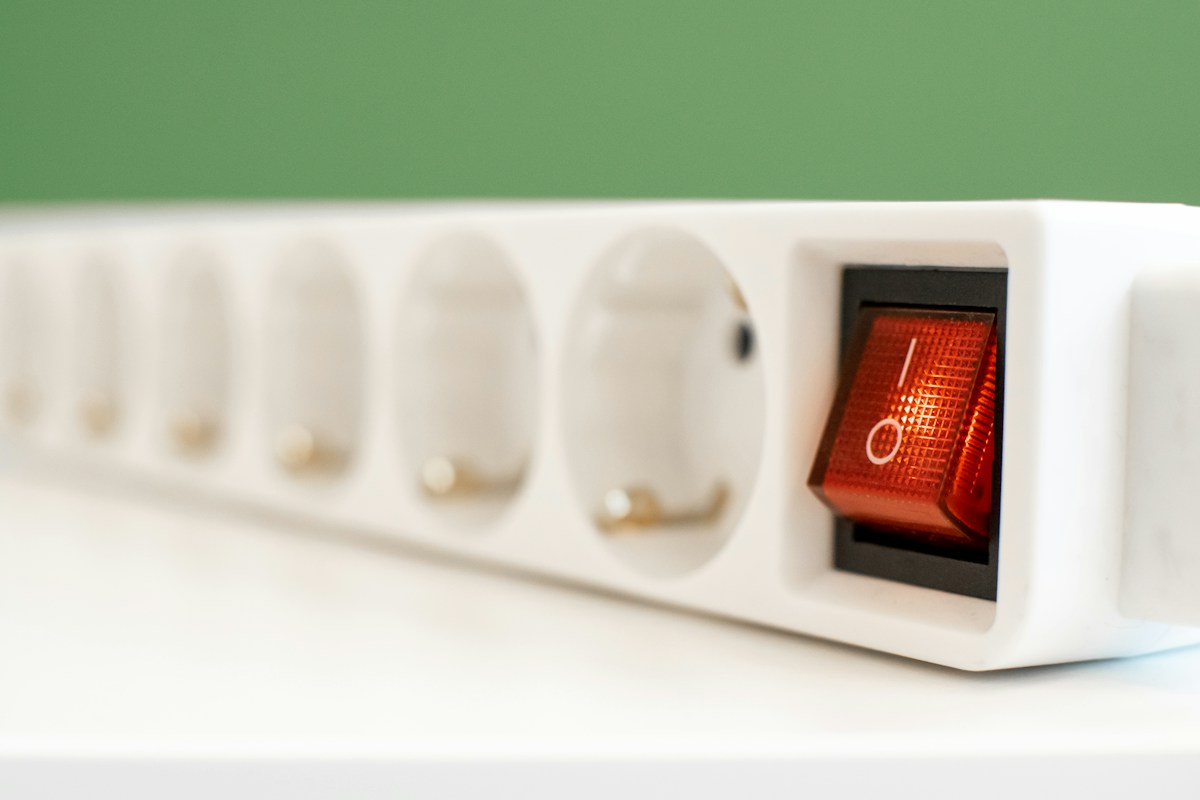
A status light shows whether the protection is still working. A flat plug fits behind furniture. A switch lets you turn everything off at once.
Placement
Keep the unit where air can circulate, and do not cover it. Route the cord away from foot traffic.