On a video call, people forgive a plain background but not poor sound. A decent microphone and a clear picture make calls easier for everyone. This guide covers what to look for, from the camera to lighting.
Webcam resolution
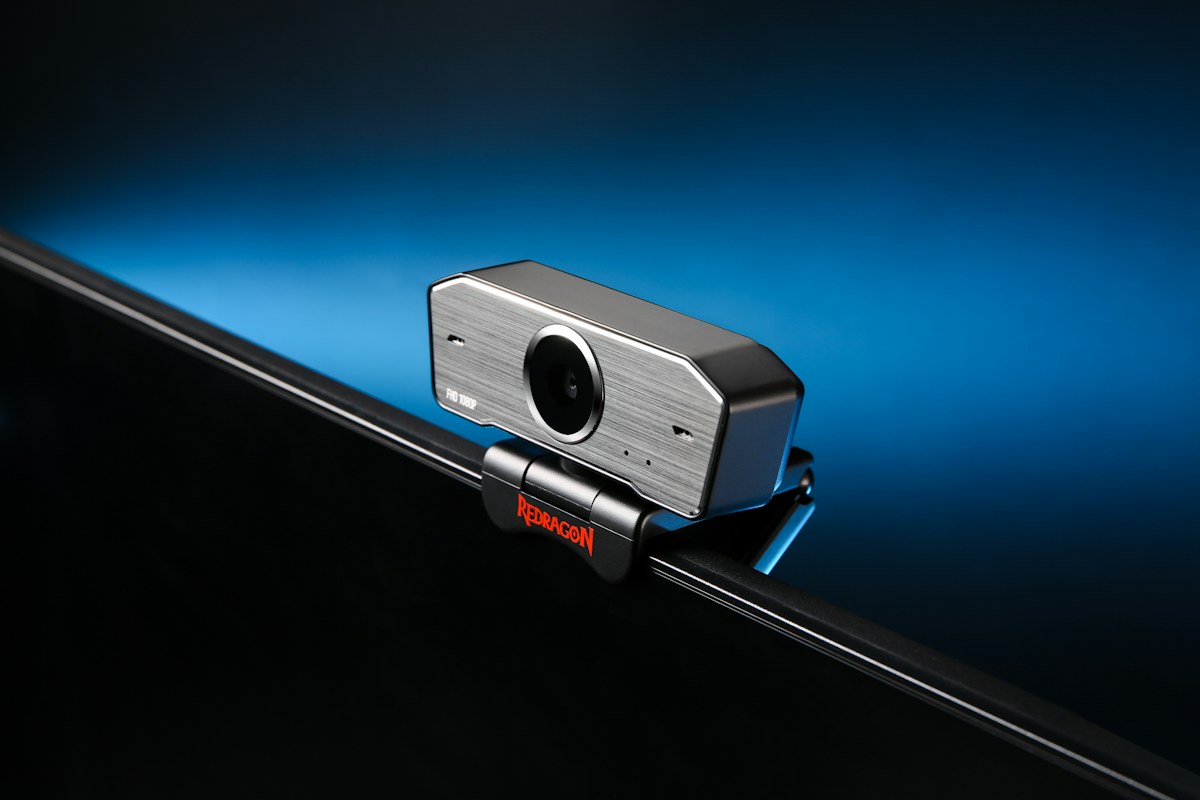
1080p is enough for most calls. 4K cameras are available, but many call apps compress video, so the extra detail is often lost. Check the frame rate, with 30 frames per second being standard, and look at the field of view. A narrower view suits one person, and a wider one fits a group.
Autofocus and low light
A camera that focuses quickly keeps you sharp when you move. Low-light performance matters in a dim room, though good lighting helps more than an expensive camera.
Placement
Put the camera at eye level, a little above if possible, so you look straight at it. A monitor mount or a small stand helps. A privacy shutter is a useful feature.
Light your face
Place a lamp or a window in front of you, not behind. A soft light from the side avoids harsh shadows. Warm, even light is more flattering than an overhead bulb.
Microphones
- Built-in laptop microphones pick up keyboard noise and echo.
- A headset microphone sits close to your mouth, and is the simplest improvement.
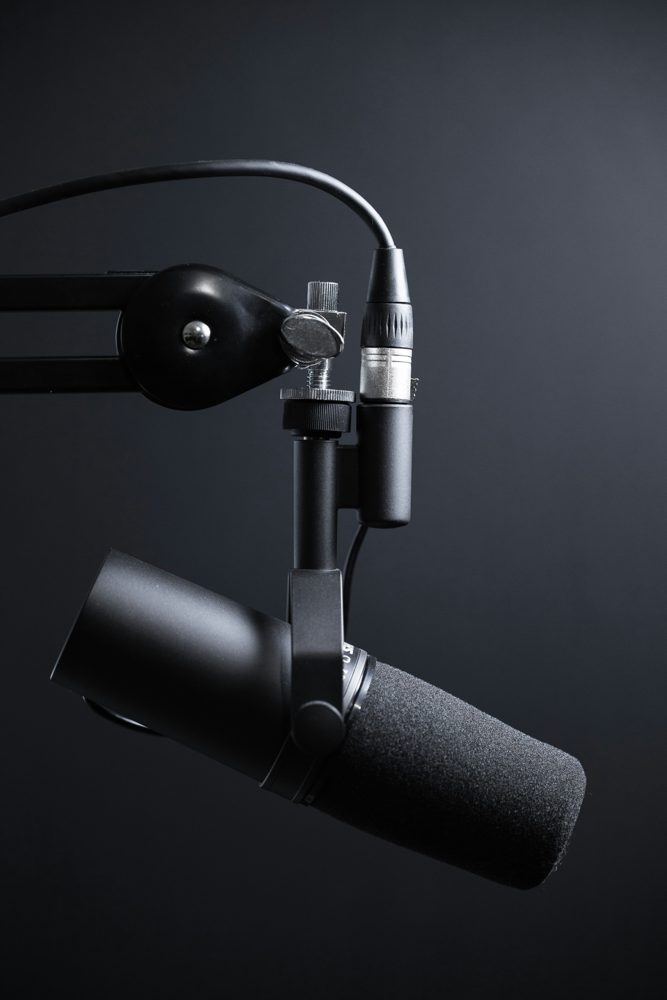
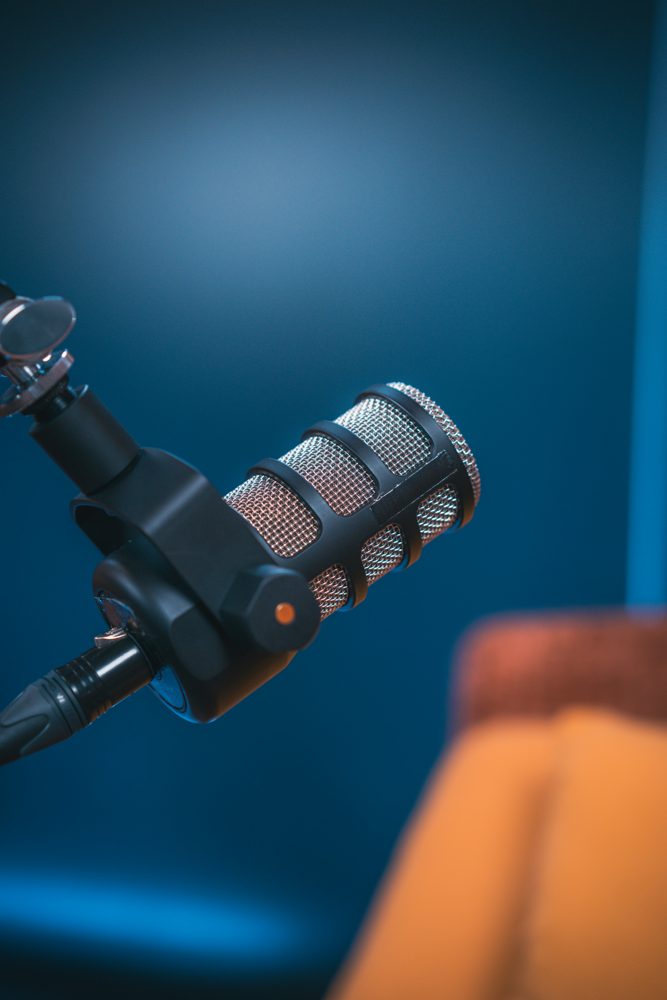
- A USB desktop microphone gives fuller sound. Choose a cardioid pattern, which picks up what is in front of it and less of the room.
Position the microphone about a hand's width from your mouth, and use a pop filter if it is a desktop model.
Room sound
Hard surfaces cause echo. Rugs, curtains and bookshelves soften a room. Turn off fans where possible.
Privacy and software
Check the app settings to choose the right camera and microphone. Cover or unplug the camera when you are not using it.