A weak or unstable connection is more than annoying when you work from home, because calls drop and files stall. Before you buy anything, it is worth finding out why the connection is poor. This guide goes from the free fixes to the hardware options.
Start with the router
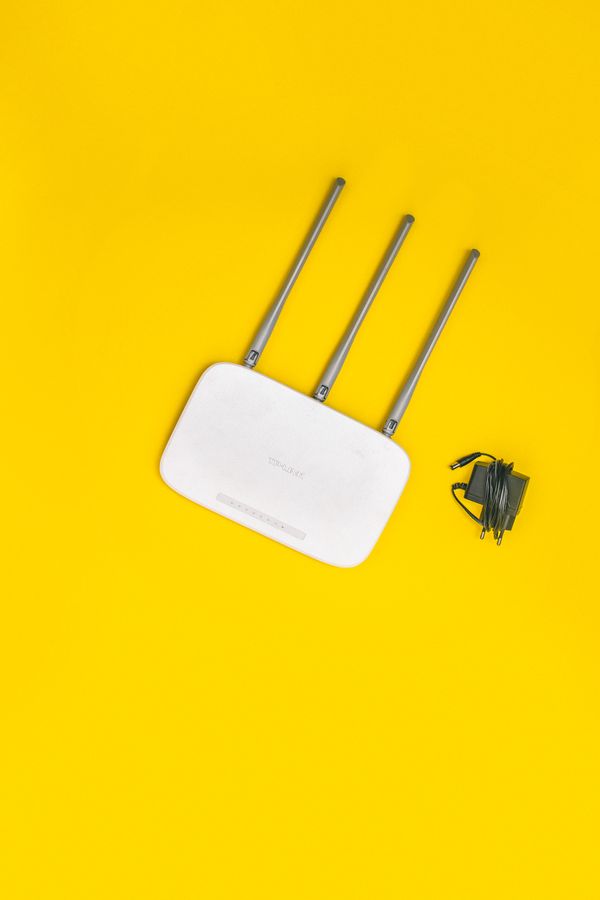
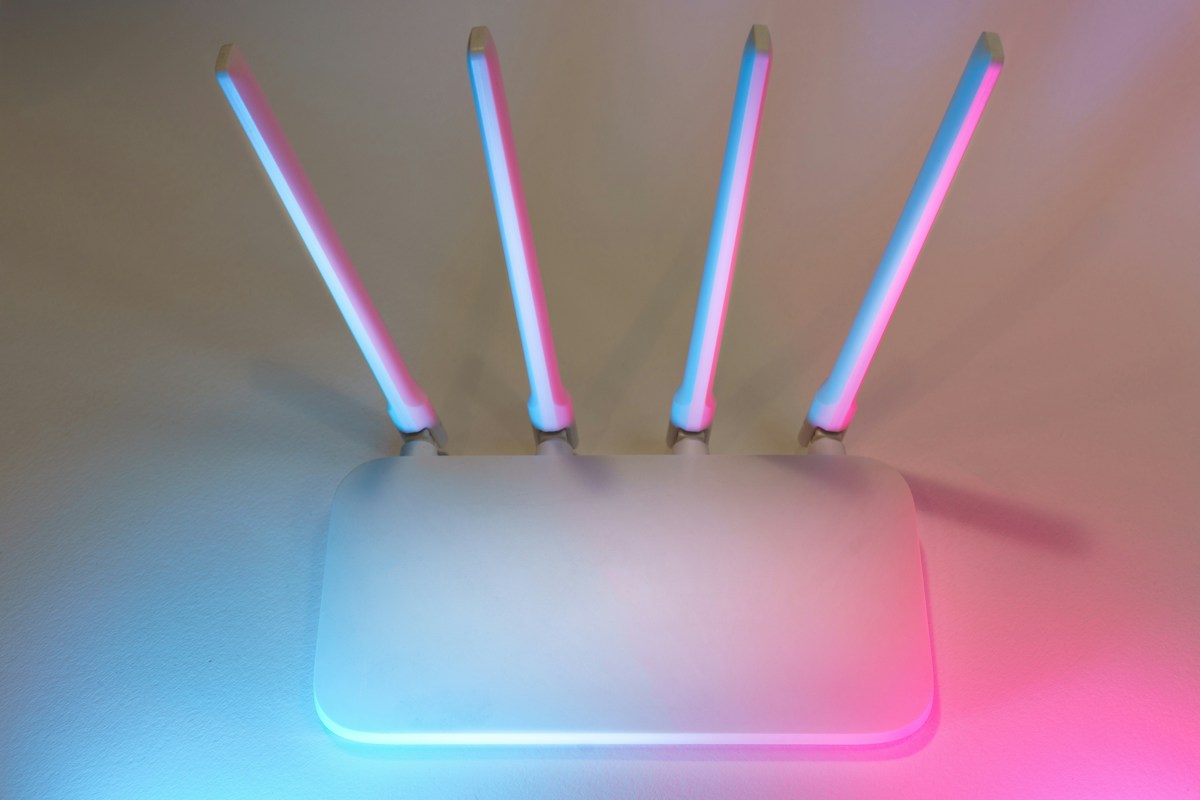
Place the router in a central, open position, off the floor and away from metal objects, microwave ovens and thick walls. Moving it a few feet can make a difference. Restart it, and make sure its firmware is up to date.
Test the speed
Use a speed test at your desk, and again next to the router. If both are slow, the problem may be your internet plan. If only the desk is slow, the signal is the issue.
Wi-Fi extenders
An extender repeats the signal from the router. It is cheap and easy to set up, but it can halve the speed because it uses the same channel to talk to the router and your device. Place it halfway between the router and the weak area, where it still receives a good signal.
Mesh systems
A mesh system uses several units that work together as one network. They cover larger homes more evenly than an extender, and devices switch between them automatically. Mesh costs more, but suits homes with several floors.
Ethernet
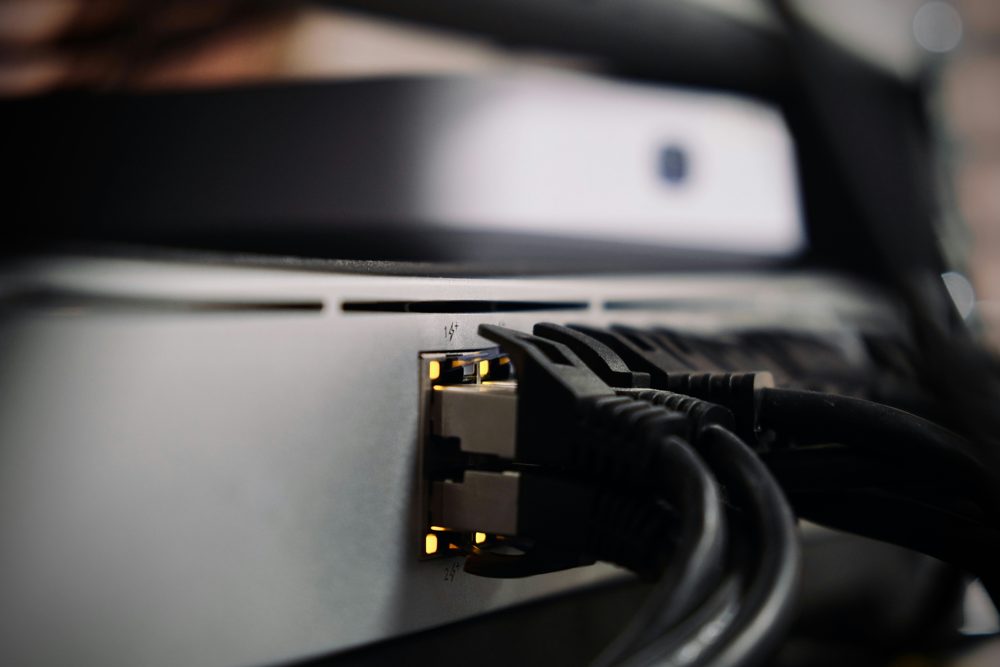
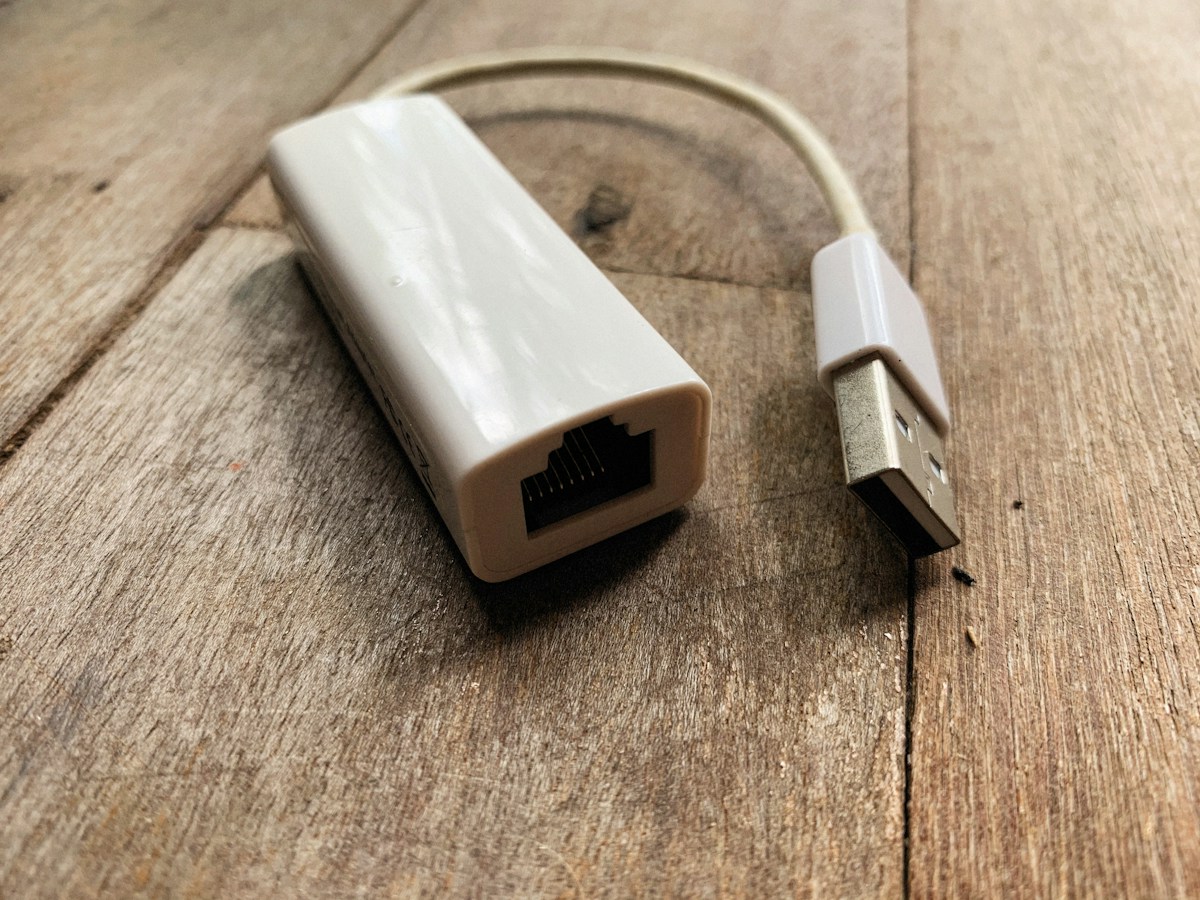
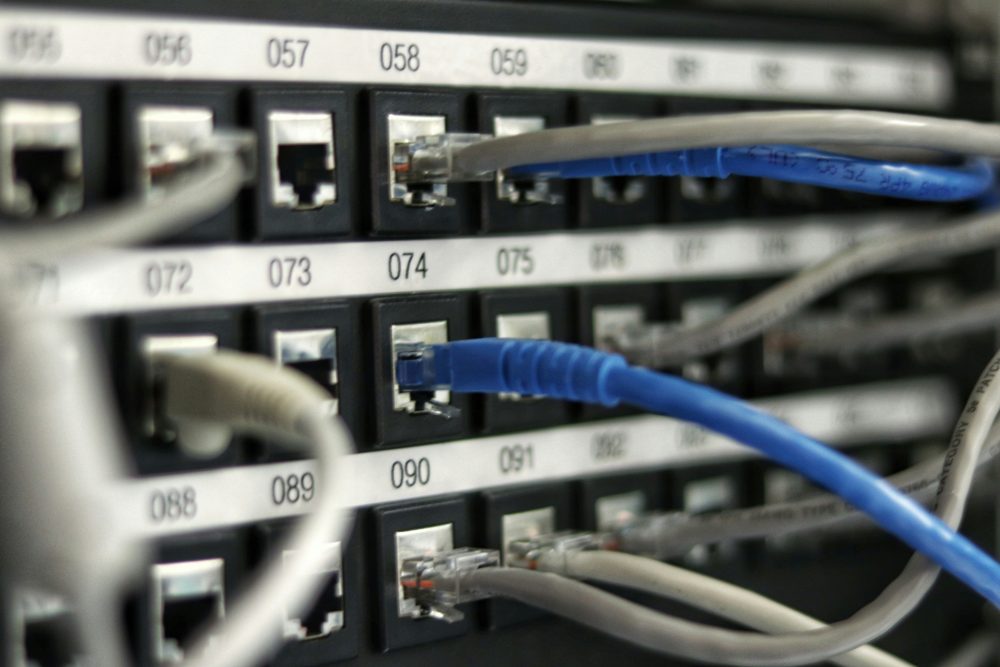
A wired connection is the most reliable choice for a desk. It gives stable speed and low delay, which helps video calls. If you cannot run a cable through the walls, check the options below.
Powerline adapters
Powerline adapters send the signal through the electrical wiring. They are useful where running a cable is difficult, but performance depends on the wiring in your home.
Cables
Choose Cat 5e or Cat 6 cables for home use. Flat cables fit under doors and carpets.
Wi-Fi standards
Wi-Fi 6 improves performance when many devices share the network. Your devices also need to support the standard to benefit.